

Please sign in so that we can notify you about a reply
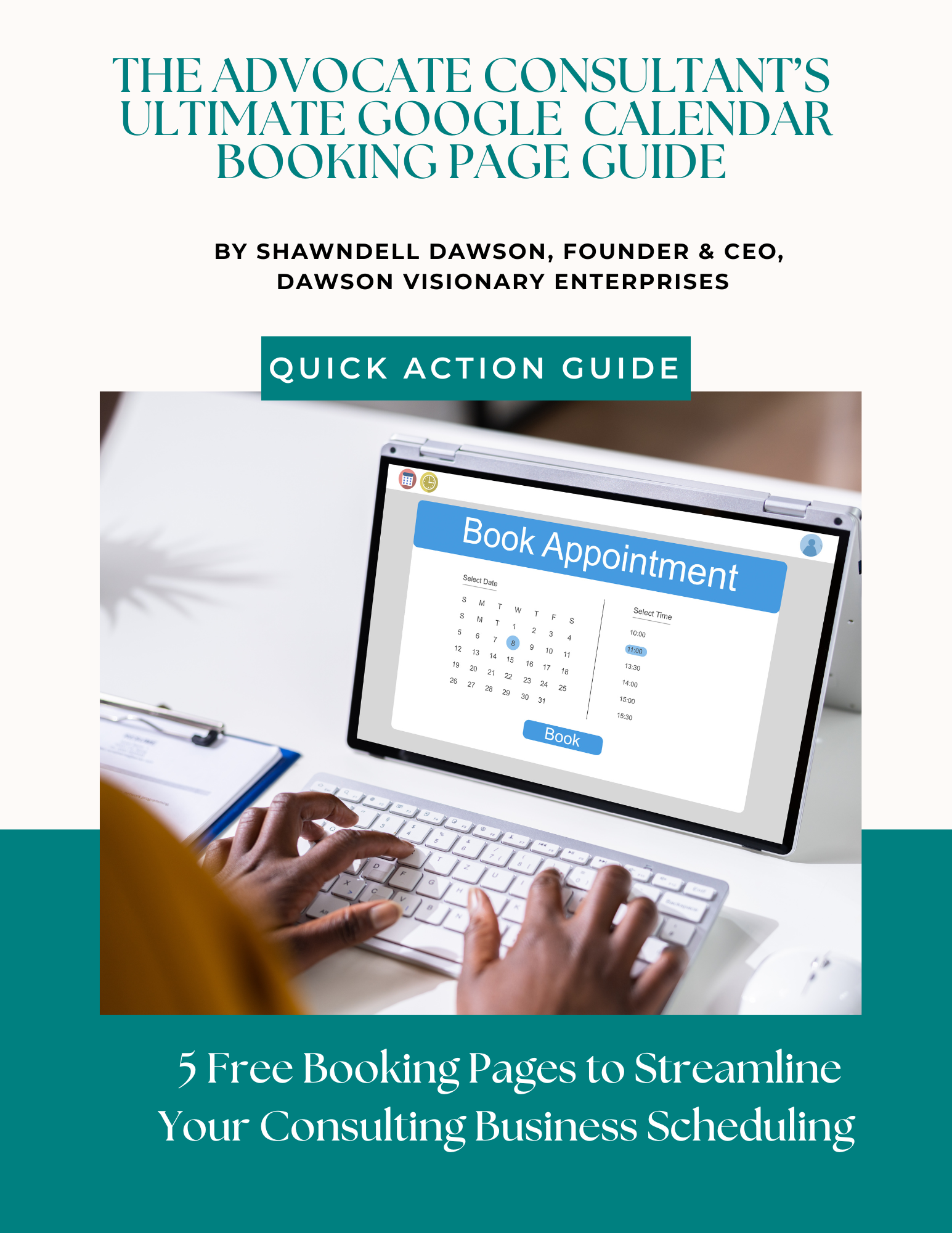
TITLE: The Advocate Consultant's Ultimate Google Calendar Booking Pages Guide
DESCRIPTION:
Set up 5 specialized booking pages using free Google Calendar—no Calendly subscription needed.
THE CHALLENGE: You're playing email tag trying to schedule clients. "What times work for you?" "I'm free Tuesday or Thursday." "Oh, those don't work for me..." This wastes hours every week and looks unprofessional.
THE SOLUTION: This guide shows you how to create 5 different booking page types in Google Calendar—completely free. Each page has its own duration, availability, and intake questions, but they all sync to ONE calendar. No double-booking. No confusion.
WHAT'S INCLUDED:
✅ 5 SPECIALIZED BOOKING PAGES Each with step-by-step setup checklist:
- Partnership Discovery Meetings (30 min) • For exploring collaborations with organizations • 2-3 slots per week maximum • Custom intake question included
- Consulting Intakes (45-60 min) • First meeting with potential clients • Dedicated intake days (e.g., Tues/Thurs) • Two intake questions provided
- Paid Strategic Sessions (90 min - 2 hours) • One-time paid consultations • Limited premium slots only • Payment link integration guidance
- Paid Coaching Sessions (45-60 min) • Recurring sessions with individual clients • Dedicated coaching days • Separate page for existing vs. new clients
- Free 15-Min Exploration + Freebie • Low-barrier lead generation • 3-5 slots per week only • Includes link to free resource delivery
✅ STRATEGIC GUIDANCE
NAMING STRATEGY: • Best practices for naming booking pages • Client-perspective considerations • Suggested names for each type
SCHEDULING STRATEGY: • Time blocking recommendations • Batching similar meetings • Protecting deep work time • Buffer time between sessions • Sample weekly schedule template
WHERE TO SHARE EACH LINK: • Partnership Discovery → LinkedIn, email signature • Consulting Intake → Website, proposals, referrals • Strategic Sessions → Services page, speaking follow-ups • Coaching → Existing clients only • Free 15-min → Social media, YouTube, lead magnets
SETUP DETAILS FOR EACH PAGE: • Duration recommendations • Availability guidelines • Booking window timing • Buffer time suggestions • Custom intake questions • Confirmation email tips
WHO THIS IS FOR: ✓ Consultants starting to book clients ✓ Coaches needing professional scheduling ✓ Anyone tired of scheduling back-and-forth ✓ Budget-conscious advocates (100% free solution!)
TIME INVESTMENT: • Initial setup: 45-60 minutes (one time) • Result: Hours saved every single week
WHAT YOU'LL LEARN: • How to create appointment schedules in Google Calendar • Setting availability without revealing your entire calendar • Adding professional intake questions • Color-coding different meeting types • Preventing double-booking across all 5 pages • Where to share each booking link strategically
DOWNLOAD INCLUDES: • 6-page implementation guide • Setup checklist for all 5 booking types • Strategic scheduling recommendations • Links tracking table • Guild community CTA
⚠️ DISCLAIMER: This guide is provided for educational purposes only. Google Calendar features may change. Individual setup may vary based on your Google account type and settings.
© 2026 Dawson Visionary Enterprises, LLC. All rights reserved.
No reviews found